Windows
Minimum Requirements
Microsoft Windows 10 (64bit) or later
Installation
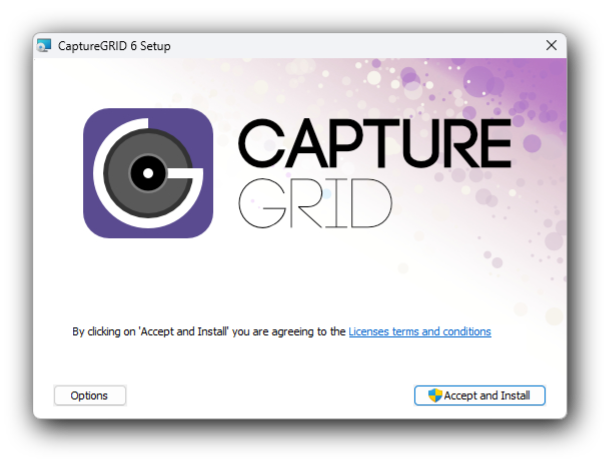
CaptureGRID has an install program that configures it for your system. To install, download the file from https://kuvacode.com/capturegrid6, open it, and follow the on-screen instructions.
To uninstall the app, run the CaptureGRID 6 Uninstall shortcut that is located alongside the CaptureGRID 6 program link. Alternatively you can go to the Add or Remove Programs located in the Windows Control Panel, and click Remove next to the CaptureGRID 6 item in the list.
Obtaining Updates
New releases of the app will be made available at https://kuvacode.com/capturegrid6. You can install a new version without uninstalling the previous version, and your personal settings will also be preserved.